


Build Data-Rich Web Components Apps with Customizable Grids
Our Web Components framework includes the fastest Data Grid on the market, a high-performing Hierarchical Grid and Pivot Grid, 60+ data charts, and more. There are now 50+ Open-Source components too, helping you create better web apps and modern-day UX experiences.
Trusted by:









Trusted by the World's Best



Ignite UI's strength in Excel is truly top-notch... Having features ready for LOB apps and high-quality technical support helped our development.

B-EN-G
To continue providing customers with cutting-edge technological features, B-EN-G set out to meet the needs of customers wishing to connect to a new range of devices that make up the Internet of Things (IOT). Read More
Enhanced Customization with Dock Manager
The Ignite UI Dock Manager component provides means to manage the layout of your application through panes, allowing your end-users to customize it further by pinning, resizing, moving and hiding panes.
The Fastest Web Components Charts
Build expressive dashboards, apply deep analytics, and render millions of data points with 60+ real-time Web Components charts. Your Web Components charts shouldn't just be fast; they should be all-encompassing. With every common category chart type – bar, line, column, area, pie, and more – you can visualize your data the way you prefer. With Ignite UI's Web Components controls, we offer the same features you come across with Google Finance and Yahoo Finance charts.
Built by Developers for Developers
Modern and feature-packed Web Components library crafted for the most demanding enterprise apps. Ensuring high-performance, customization, and scalability.
Optimized for Speed and Performance
Web Components components are written for optimal file size, so we do not impact the time-to-screen of your applications. We enable fastest Web Components grids and charts – in the smallest package possible.

No Dependencies
You don’t have to pull in unnecessary frameworks or external dependencies. The Ignite UI for Web Components controls follow modern Web Components patterns, ensuring smooth integration and reusable custom elements that you can use everywhere with any web technology. Your apps stay clean, maintainable, and future-proof.

Open-Source Component Library
Apart from the Premium controls, there are 50+ open-source Web Components controls too. They are free to use and designed for fast adoption across development teams, enabling rapid POCs and risk-free evaluation.

Developed for the Modern Web
Ignite UI for Web Components embraces the latest web standards and best practices. With native custom elements, Shadow DOM, and TypeScript support, our components deliver flexibility and future-proof development across any framework or platform.

100% Transparency on Github
Follow our React components dev process, submit issues or ideas, review specs, and track our progress - all on GitHub. We are 100% transparent in our component development process.

Industry Leading Support
We work when you do – 24x5 support across all major regions. We do not stop with Phone, Chat and Forums, we have with technical solution consultants to help solve your toughest problems.


Web Components UI Controls to Ignite Your Next Project
Web Components Examples and Samples!
Get started on your next project with over 100+ Web Components UI controls and Web Components examples. We have over a dozen Web Components samples with beautiful styling, data access and best practices for Web Components controls and Web Components app building.

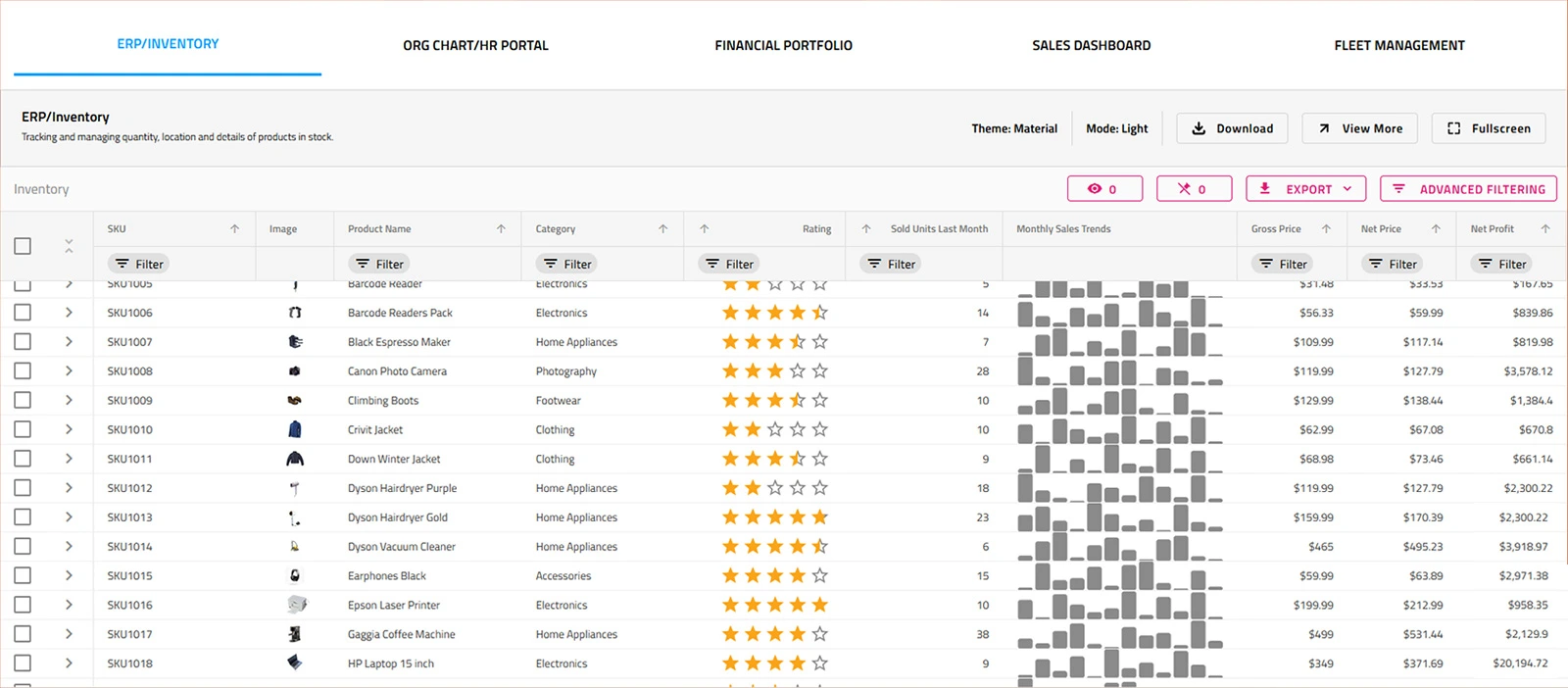
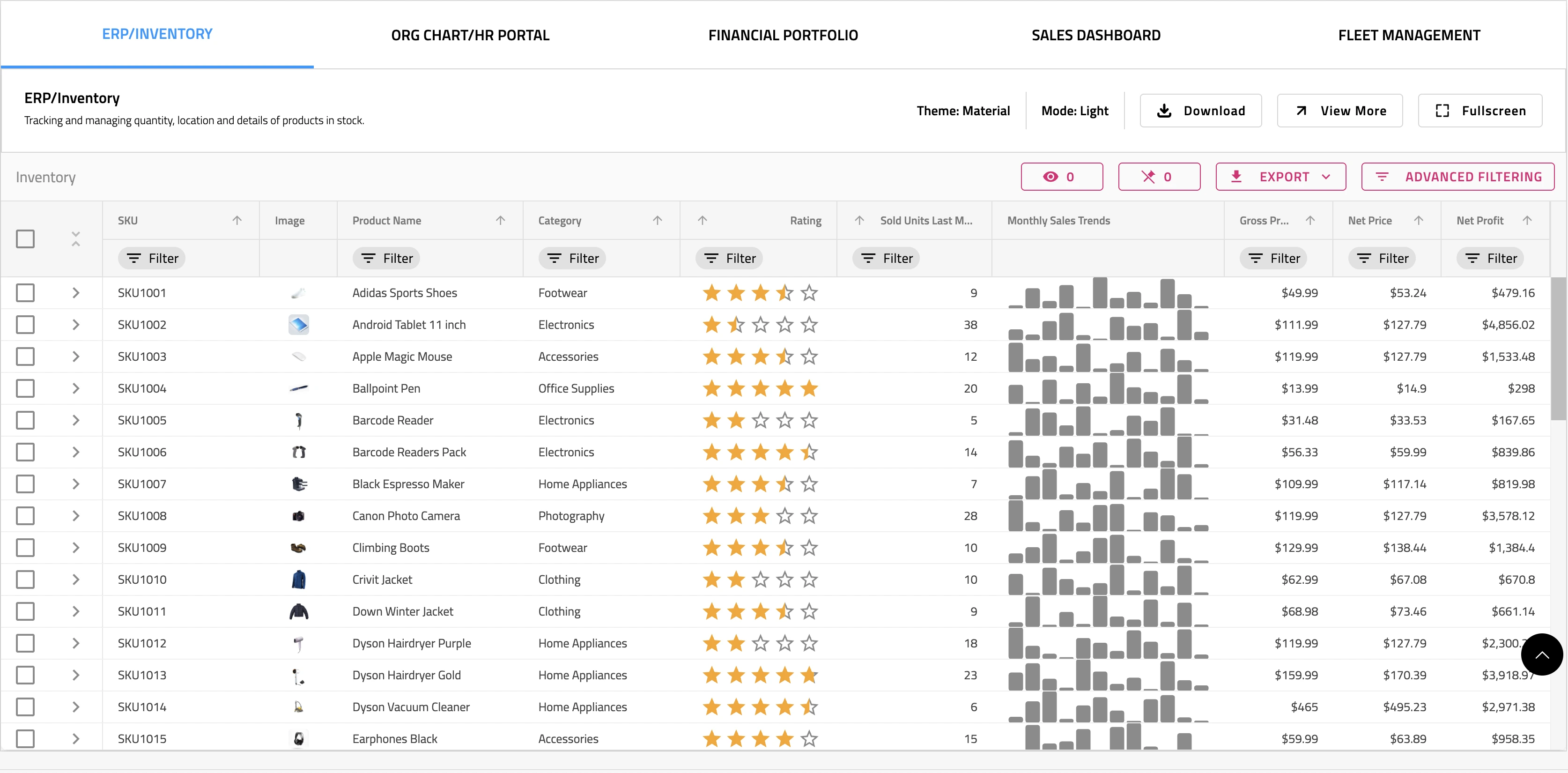
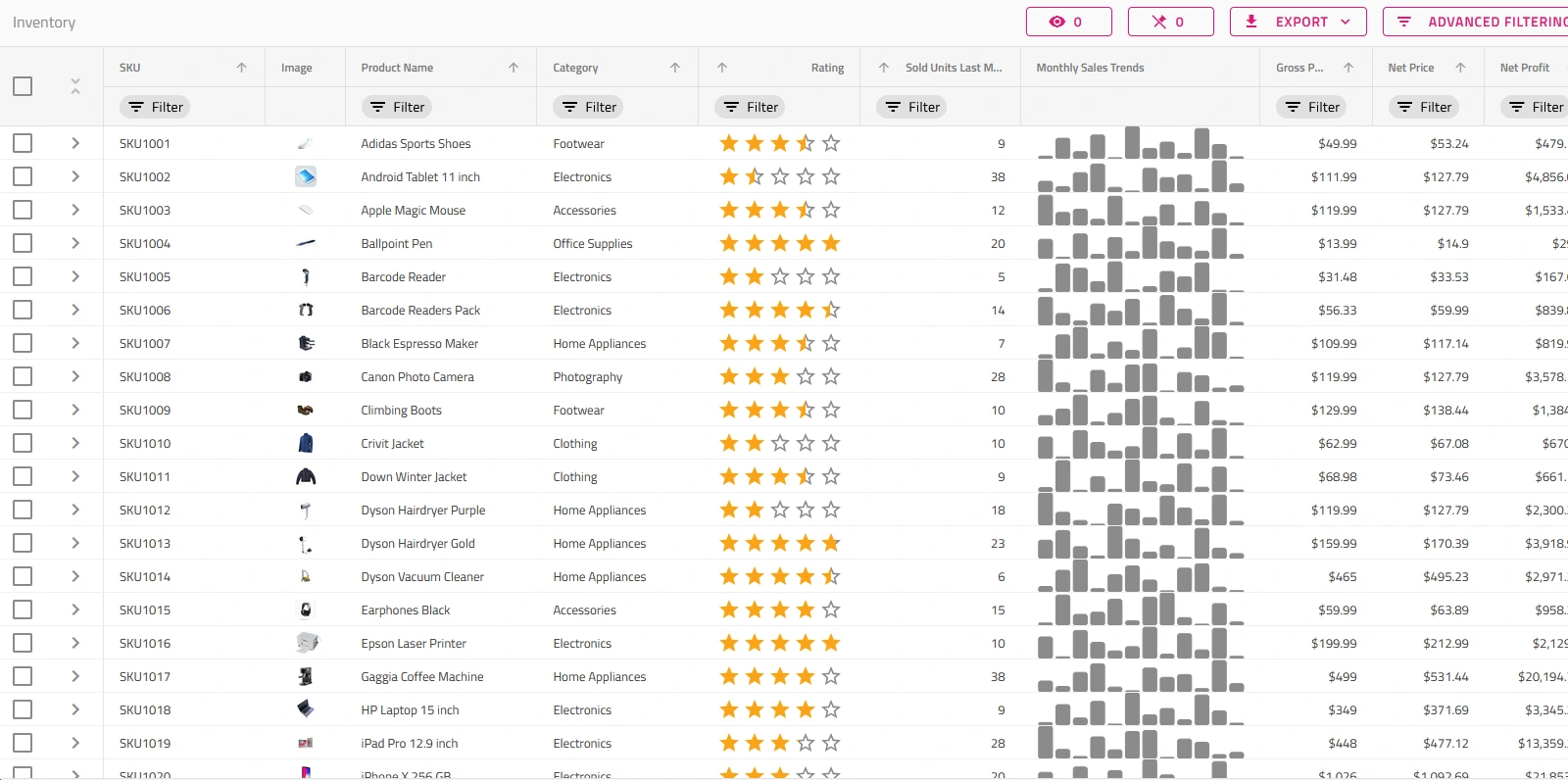
Inventory Management
A reporting dashboard to manage inventory levels and review products in stock. Uses custom side navigation for routing and category charts to report performance.
Get the app
Learning Portal App
Explore some of the most beautiful destinations with the Travel app that lets you organize and display exotic locales using card layouts and image galleries.
Get the app
CRM App
A master-detail style app for managing customer details, inspired by HubSpot. Includes responsive views for Overview dashboard and customer details with multiple tabs.
Get the app製品価格
Ignite UI for Angularは以下のバンドル製品に含まれています。ご要件に合わせて3つの製品プランからお選びください。(製品比較表はこちら)
Webアプリケーション開発を高速化するUIコントロールライブラリ、ドラッグアンドドロップでコードを生成できるローコードデザインツールを提供します。
1開発者あたりの年間サブスクリプション価格
複数年割引
Web・デスクトップ・モバイルアプリケーション開発を効率化する、ソフトウェア開発チームのためのオールインワンUI/UX開発ツールキットです。
1開発者あたりの年間サブスクリプション価格

Join the Conversation
Frequently Asked Questions
Questions and Answers for Ignite UI for Web Components
What are Web Components?
Web components are web standards compliant components that are dependency free, pure HTML/JavaScript, and are seen as a native HTML elements. Web components are made of three technologies that are used together:
Custom Elements: These are HTML elements, made with a set of JavaScript APIs which allow you to define their behavior and how they can then be used, and can be passed across frameworks and browsers.
Shadow DOM: A set of JavaScript APIs for attaching an encapsulated "shadow" DOM tree to an element, allowing users to isolate DOM fragments from one another.
HTML Templates: These elements are user-defined templates in HTML that aren’t displayed in the rendered page.
What is Ignite UI for Web Components?
Ignite UI for Web Components is a complete library of components for modern web applications using encapsulation and the concept of reusable components in a dependency-free approach. It includes data grids and tables, 60+ data charts and graphs, and user interface (UI) components.
What makes Ignite UI for Web Components different from other UI toolkits?
Ignite UI for Web Components is the most complete library of enterprise-grade, Web Components UI components available. Professionally designed and developed, Ignite UI for Web Components provides you with everything you need to build modern web applications using reusable components in a dependency-free approach. All backed by Infragistics 30+ years of industry leadership and our award-winning live support.
How does the pricing and licensing for Ignite UI for Web Components work?
Our Web components are included as a part of our Ignite UI bundle. A single developer license starts at $1,355 USD for a one-year subscription, including one year of standard support and updates. We also offer discounts for multi-year licenses. Please refer to our Pricing page for more information on pricing.
How do I get started with Ignite UI for Web Components?
The best place to begin is with our Getting Started Documentation.
Where can I find Web Components samples and sample applications?
The team at Infragistics maintains a comprehensive library of Web Components code samples which you can access here. We also maintain a library of sample applications, which you can access here.
Why use Web Components?
Web Components is production-ready but it continues to evolve and progress so it can provide plenty of benefits now and in the future. It offers encapsulation functionality and reusability of the <html-element>. This modularity facilitates the use of individual elements anywhere in any project. From custom elements to slots, all parts of the Web Components work seamlessly in the browser. The custom built-in elements can extend native HTML elements as well. And lastly, Web Components deliver platform-independence.
When to use Web Components?
Web Components is the ideal solution when you work on several projects with different technology stack, plan to use or share components across different apps, and want to eliminate repetitive tasks. It is also great and useful for developers with little coding experience.
How to use Web Components?
You can easily create new component, define its styling and functionality, and use it in any JavaScript framework or library you want. To get started with Ignite UI for Web Components, you must install both NodeJS and Visual Studio Code on your machine.
Connect with Infragistics
Follow Us for the Latest News and Updates